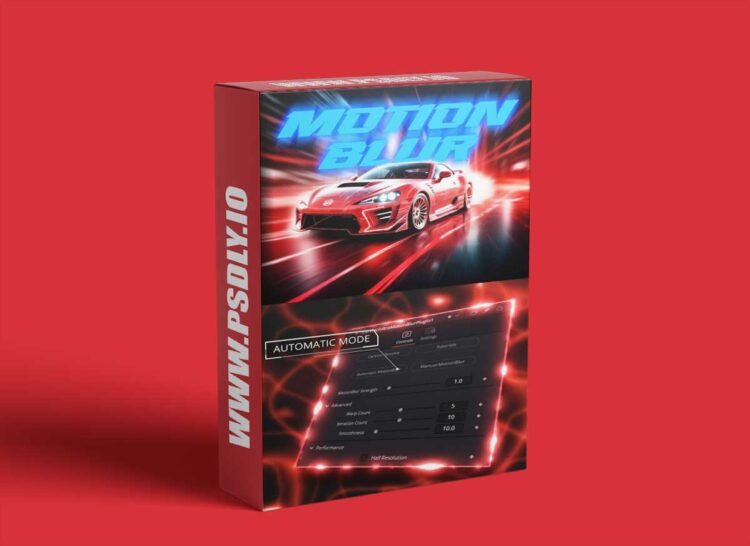
| File Name: | CarVinci – Ultra MotionBlur Plugin v2.0 |
| Content Source: | https://carvinci.com/b/motionblur |
| Genre / Category: | Plug-ins |
| File Size : | 20KB |
| Publisher: | carvinci |
| Updated and Published: | December 27, 2025 |
This Plugin works in the Free and in the Studio Version of DaVinci Resolve, You also get lifetime updates and support for this Plugin
HOW TO USE: Just doubble click the DRFX file, Open DaVinci Resolve, Click on Install, Go to Effects Libary (If you can’t see it: restart DaVinci Resolve), Search for CarVinci Ultra Motionblur Plugin, Drag and Drop on your clip, Adjust the Motionblur Strength, adjust the Curve how you want, Done!!!

DOWNLOAD LINK: CarVinci – Ultra MotionBlur Plugin v2.0
FILEAXA.COM – is our main file storage service. We host all files there. You can join the FILEAXA.COM premium service to access our all files without any limation and fast download speed.